

Change the Order of Web Pages in Information Widget or Footer Links
If you’d like to set the sort order of your Content Pages in the Information Widget or Footer Links, here’s how:
- Log in to your store’s admin panel.
- Site Content (left-hand menu) and click Content Pages.
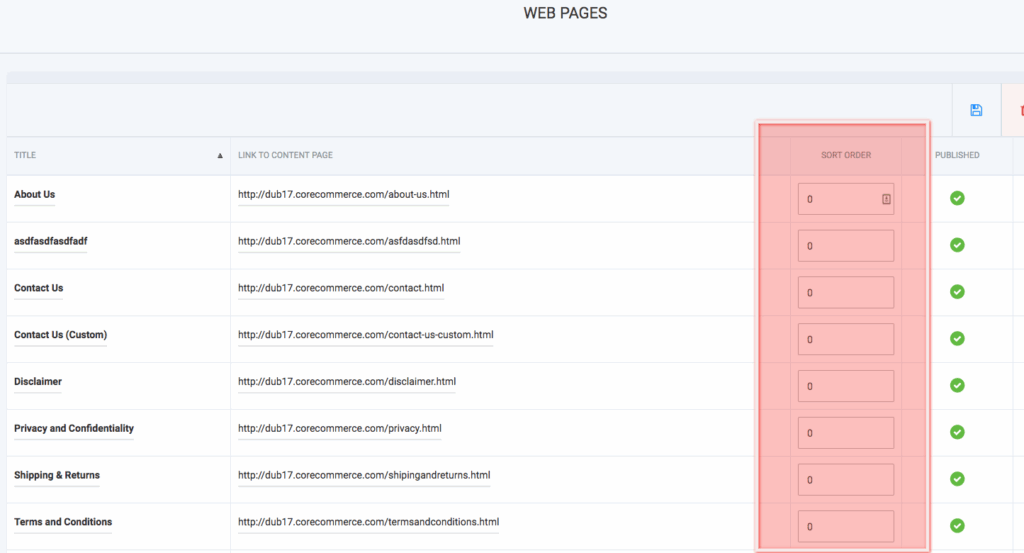
- You will see a column called “Sort Order.” Set the order you want your pages in.
- Note: 0 is the first number.
- When you’re done, click Save (disk icon)