Click on the category for which you want to add a banner.
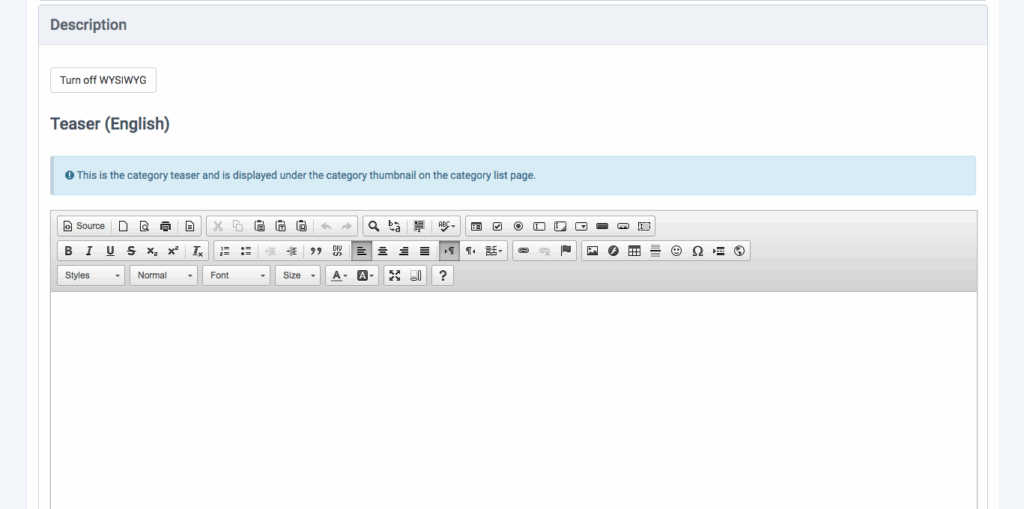
Next click on the Description Button.
Then look for the WYSIWYG editor labeled Description.
Insert your image inside the WYSIWYG editor.
Then click Save.
Note: Make sure the image you are using fits the size of the banner. ( Please note if you are using a responsive template to set the height to (height auto;) in the source code.