

How to upgrade to the new API for USPS Real Time Shipping
Hello Valued Customer, you are getting this email from CoreCommerce because you currently either use USPS for Real Time shipping quotes, or you have it enabled.
USPS has updated their API, and the new version of it will be available to you on Jan 14th, 2026 at 8AM Central Time.
It is important you upgrade to the new USPS API before January 25th, 2026, as the current one will stop working on this day.
Thankfully, the process to upgrade is very simple.
Simply login to your admin after 8AM Central Time on January 14th, 2026, and go to Settings -> Shipping Settings.
Next, go to “Configure Real Time Carriers” button and click on it.
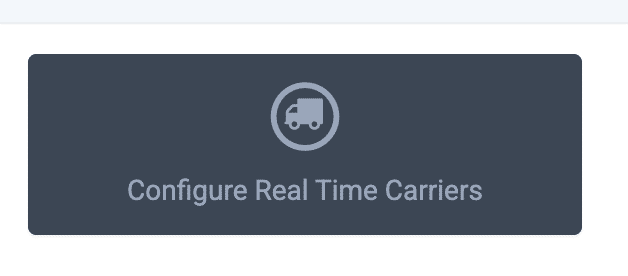
This will take you to the shipping wizard. On the left, click USPS and it will load the USPS config screen.
At the top, you will see this message and a blue link for “UPGRADE USPS API NOW”.
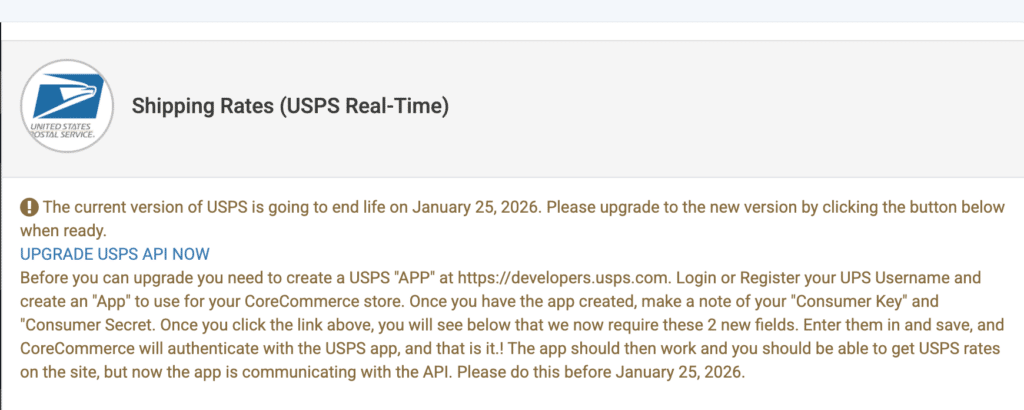
Click the link and the cart will update to the new version. Next, we will need to create the “API APP” you will need from USPS to continue.
Follow the steps in the gold text above, it is also written out below:
Before you can upgrade you need to create a USPS “APP” at https://developers.usps.com. Login or Register your UPS Username and create an “App” to use for your CoreCommerce store.
Once you have the app created, make a note of your “Consumer Key” and “Consumer Secret”.
Back in the Admin, you should now see 2 new fields to enter the Consumer Key and Consumer Secret:
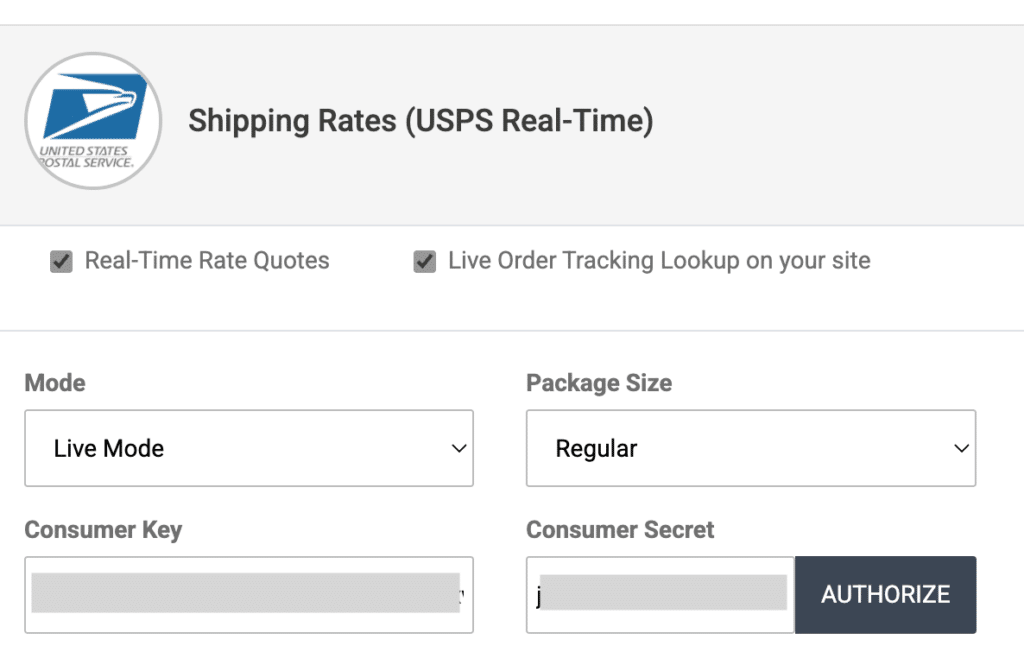
Plugin the values for Consumer Key and Consumer Secret and click “Save and Stay Here” or “Save and Continue”.
Now you are done! Then check your website to make sure you are still getting USPS rates successfully. If you are it means its now using your new “APP” to get the rates, which is what we want.